


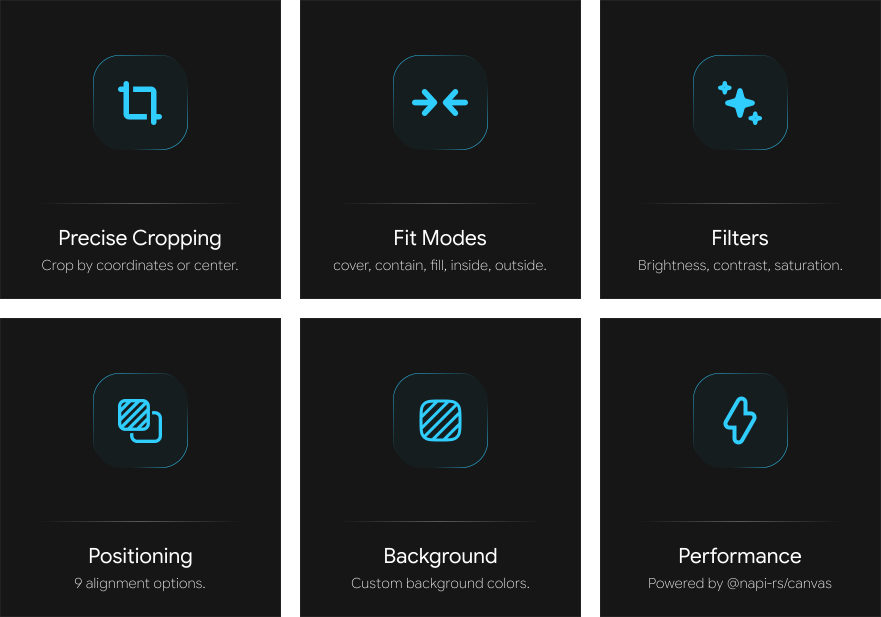
npm install cropifyconst { cropImage } = require('cropify');
const fs = require('fs');
// Basic cropping
const result = await cropImage({
imagePath: 'input.jpg',
width: 800,
height: 600,
cropCenter: true
});
fs.writeFileSync('output.png', result);≪ ◦ ✦ ◦ ≫
Crops and manipulates an image based on the provided options. Parameters:
options- Configuration object with the following properties:
{
    imagePath: string | Buffer | URL;  // Input image path or buffer
    x?: number;                        // X coordinate (default: 0)
    y?: number;                        // Y coordinate (default: 0)
    width?: number;                    // Output width (default: original)
    height?: number;                   // Output height (default: original)
    borderRadius?: number;             // Rounded corners radius
    circle?: boolean;                  // Circular crop
    cropCenter?: boolean;              // Center the crop
}{
fit?: 'cover' | 'contain' | 'fill' | 'inside' | 'outside';
position?: 'center' | 'top' | 'bottom' | 'left' | 'right' | 'top-left' | 'top-right' | 'bottom-left' | 'bottom-right';
background?: string; // Background color (CSS color)
}{
shape?: {
type: 'rectangle' | 'circle' | 'polygon' | 'star' | 'custom';
sides?: number; // For polygon/star (3+)
points?: Array<{x: number, y: number}>; // For custom shapes (%)
customPath?: string; // SVG path (planned)
}
}{
filters?: {
brightness?: number; // -100 to 100
contrast?: number; // -100 to 100
saturation?: number; // -100 to 100
blur?: number; // 0 to 20
grayscale?: boolean; // Convert to grayscale
sepia?: boolean; // Apply sepia tone
invert?: boolean; // Invert colors
hue?: number; // Hue rotation (0-360)
}
}{
output?: {
format?: 'png' | 'jpeg' | 'webp';
quality?: number; // 0-100 (JPEG/WebP only)
progressive?: boolean; // Progressive JPEG (planned)
adaptiveQuality?: boolean; // Adaptive quality (planned)
}
}≪ ◦ ✦ ◦ ≫