Fork created to to update the scripts as well as to experiment.
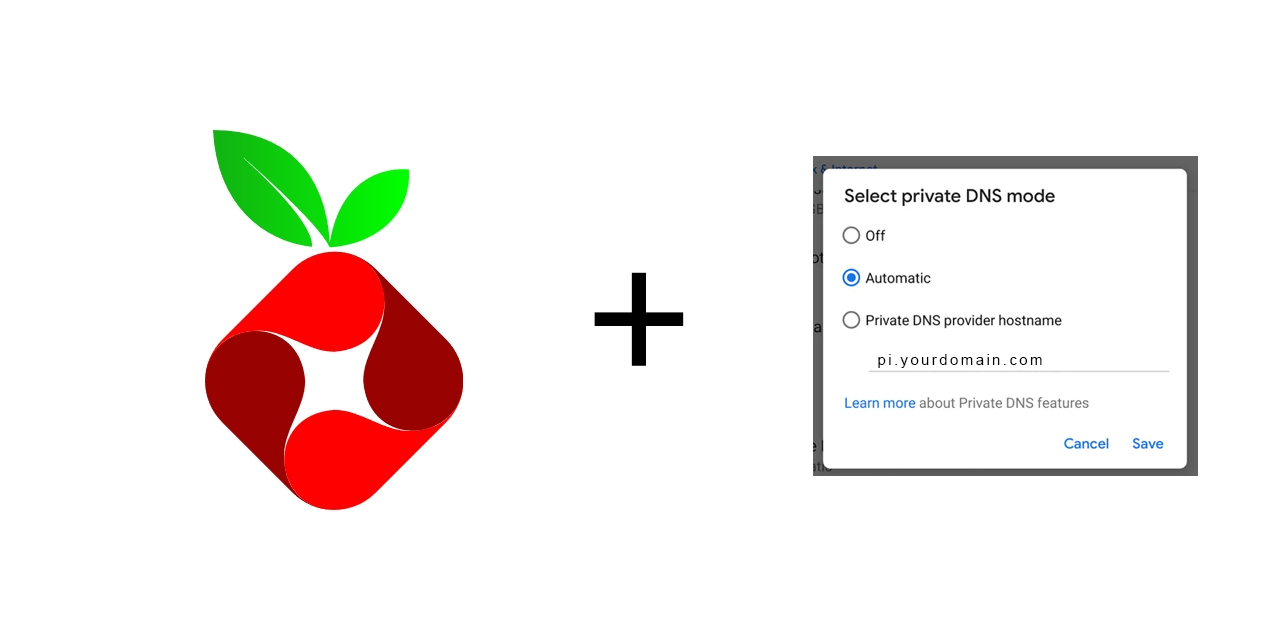
- Ubuntu / Debain Based (Any Version)
- Pi-Hole Installed With Web Server
- Forward The Following Ports in TCP (
80,443,853) to your Pihole instance. - This works as well with IPv6 only setups that only use IPv4 for local references. Pihole binds to the 80 port. You need to navigate to your pihole instance "/admin/settings/all" and change the port to ex. 8080, that way it won't have issues when renewing the certificate.
This is a simple script which requires 2 arguments
- Domain Name To Run Android Private DNS Service Example: dns.myhomenetwork.net
- Email To Share with letsencrypt to get an SSL For Android Private DNS
wget https://raw.githubusercontent.com/RayneYoruka/pi-hole-android-private-dns/refs/heads/main/pi-hole-android-private-dns.sh
chmod -x pi-hole-android-private-dns.sh
sudo bash pi-hole-android-private-dns.sh {domain_name} {email_for_letsencrypt}
Example Run sudo bash pi-hole-android-private-dns.sh mydns.example.com myemail@gmail.com
You can now use this little script to simply update the certificate, you can simply add it to cron to work every 30 days, it'll need to be run with root to make things simpler.
Example Run:
wget https://raw.githubusercontent.com/RayneYoruka/pi-hole-android-private-dns/refs/heads/main/updater-testing.sh

chmod -x updater-testing.sh

sudo bash updater-testing.sh {domain_name} {email_for_letsencrypt}
It's been tested on Debian 13 working only with IPV6.
The script "does" use the HTTP-01 challenge for verification, for some uses/reasons it's very annoying since it needs both ports 80 and 443 open, which can lead in to issues. See: https://letsencrypt.org/docs/challenge-types/
If you own a domain you can simply use the DNS-01 challenge with: certbot -d example.com --manual --preferred-challenges dns certonly. This way you only need to create a TXT record when issuing a new certificate/renewing. I'd suggest only doing the TXT records when adding/renewing and just rinse and repeat.
I've seen being recommended LEGO but I have not yet tested it so I cannot say.
Since Lets Encrypt will be discontinuing the Certificate renewal emails by June 4 2025, the simplest solution to monitor your certificate renewal date is to use Uptime Kuma if you don't want to use LEGO or any automated method to renew your certificate as they can get very tedious.
If you use your same pihole instance for PrivateDNS and your ports don't change anytime or have any other machine that needs certificates, you can simply make a quick bash script with the execution command to renew on it's own every 90 days. Up to you. Since I have to renew the certificate on several machines (both by the pihole script and with the DNS-01 challenge) I simply renew all at the same time. Uptime Kuma notifiying me with enough time to do so. (If you use IPV6 and you own a domain you can avoid port conflicts by simply mapping that IPV6 ip to that domain, that way the certificate can renew without conflicting any other machines that you might have open to the public)
Every time you re-run the script to renew the certificates, a new line will be added to /etc/nginx/nginx.conf that needs to be removed manually.
These duplicate line causes Nginx to not be able to start automatically after the script finishes to run.
The lines are:
stream {
        include /etc/nginx/streams/*;
}
Simply remove that line respecting the opening and the closing } and use sudo systemctl start nginx to solve the issue.
Just use the below script to update instead.