A Python application that connects your camera shutter button to play an authentic shutter sound effect. This tool maps the Volume Up key to trigger a camera shutter sound, perfect for photography apps or camera simulators.
- 🔊 Plays authentic shutter sound when Volume Up key is pressed
- 🎮 Uses AutoHotkey for reliable hotkey detection
- 🎵 Includes built-in shutter sound effect
- ⚡ Lightweight and easy to use
- 🖥️ Windows compatible
- Python 3.6 or higher
- Windows operating system
- Audio output device
- Clone or download this repository
- Install required dependencies:
pip install -r requirements.txt
-
Run the application:
python main.py
-
Press the Volume Up key to trigger the shutter sound
-
Press Enter in the console to exit the application
main.py- Main application scriptshutter_sound.mp3- Audio file containing the shutter sound effectrequirements.txt- Python dependencies listREADME.md- This documentation file
- ahk[binary] - AutoHotkey integration for Python
- playsound - Simple audio playback library
The application uses AutoHotkey (AHK) to monitor for the Volume Up key press. When detected, it plays the included shutter sound file using the playsound library. This creates a realistic camera shutter experience for photography applications or entertainment purposes.
You can customize the application by:
- Changing the hotkey: Modify the
'Volume_Up'parameter inmain.pyto use a different key - Using different sound: Replace
shutter_sound.mp3with your preferred audio file - Adding multiple sounds: Extend the code to randomly select from multiple sound files
- No sound plays: Check that your audio output is working and the volume is up
- Hotkey not detected: Ensure the application is running and has proper permissions
- Import errors: Make sure all dependencies are installed via
pip install -r requirements.txt
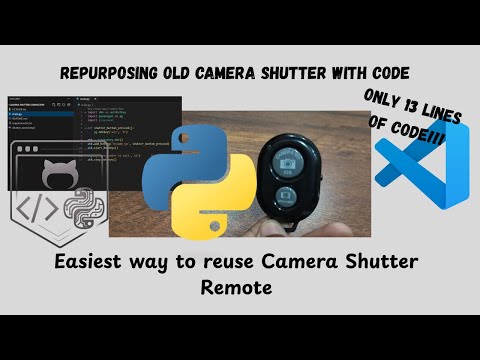
Click the image above or watch on YouTube.
This project is open source under the MIT License.
Contributions are welcome! Feel free to submit issues or pull requests to improve the application.