[Feature Request] Support for custom user scripts compatible with Nautilus scripts #1156

Description

Hi!
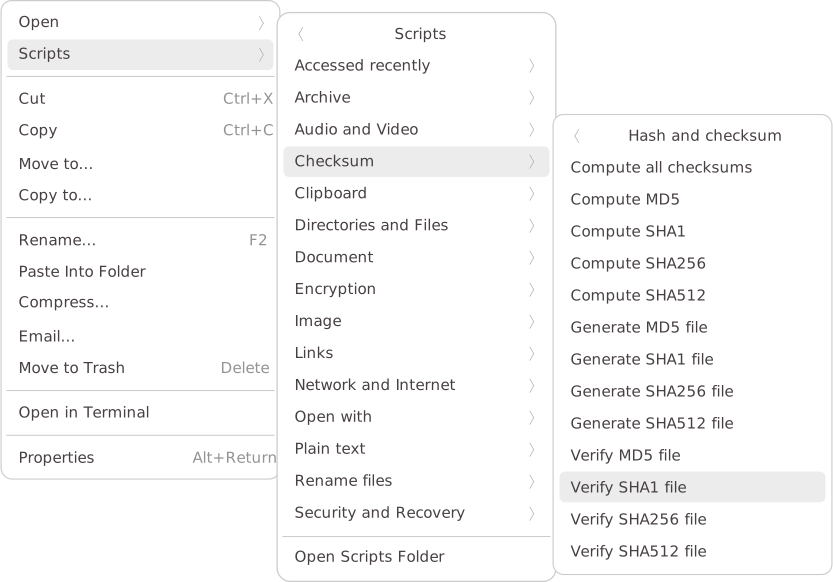
It would be great if Superfile could support custom user scripts in the context menu, similar to how Nautilus (GNOME Files) handles it.
In Nautilus, users can place executable scripts in the directory:
~/.local/share/nautilus/scripts/
Then, those scripts automatically appear in the context menu when right-clicking files or folders. This allows users to easily create their own file actions without modifying the file manager itself.
For example, I maintain a set of useful scripts here:
https://github.com/cfgnunes/fm-scripts
Having similar functionality in Superfile would make it much more flexible and customizable for power users.
Suggested behavior:
- Add a configurable directory for user scripts (e.g.
~/.local/share/superfile/scripts/). - Show available scripts in the context menu based on the selected file(s) or folder(s).
- Optionally, pass file paths as arguments to the scripts.
This would be a simple but powerful feature to extend Superfile’ functionality and help users automate tasks.
Example:
Thanks for the great work!